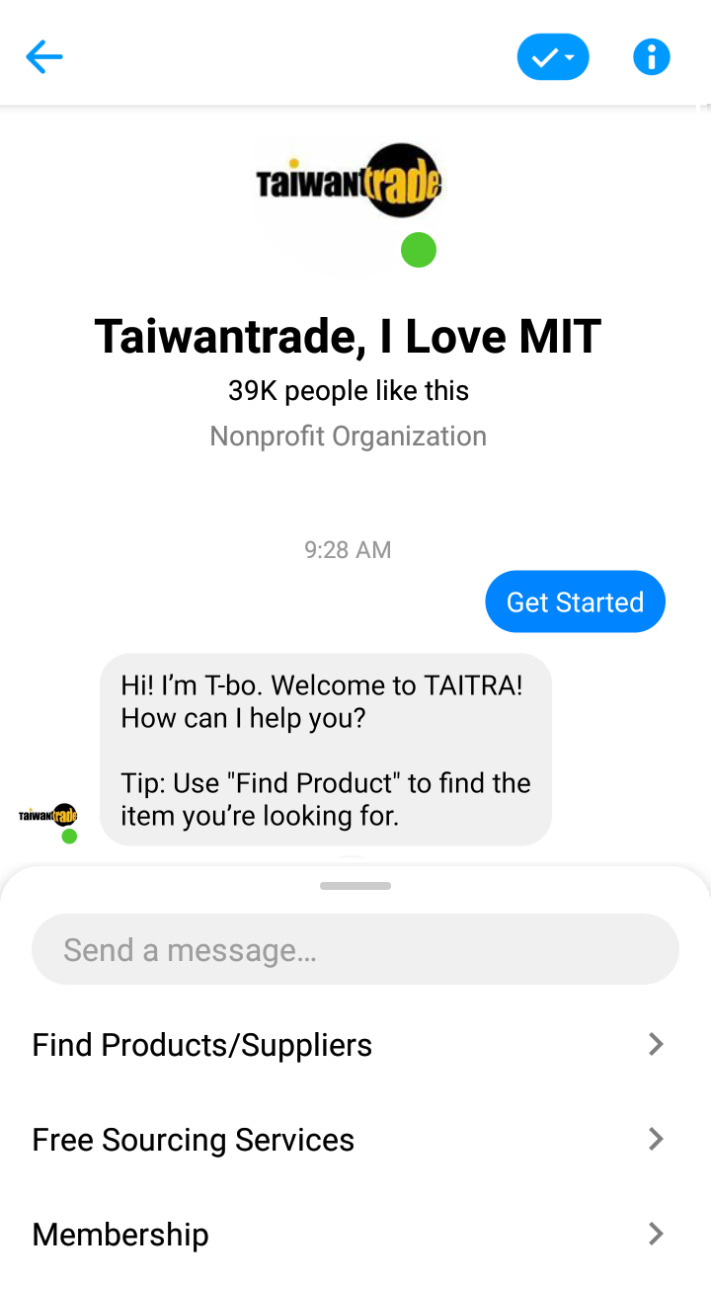
- 1Find Taiwantrade, I Love MIT on your message box or Messenger APP.
- 2Click the Menu and choose Membership > Unlink your account

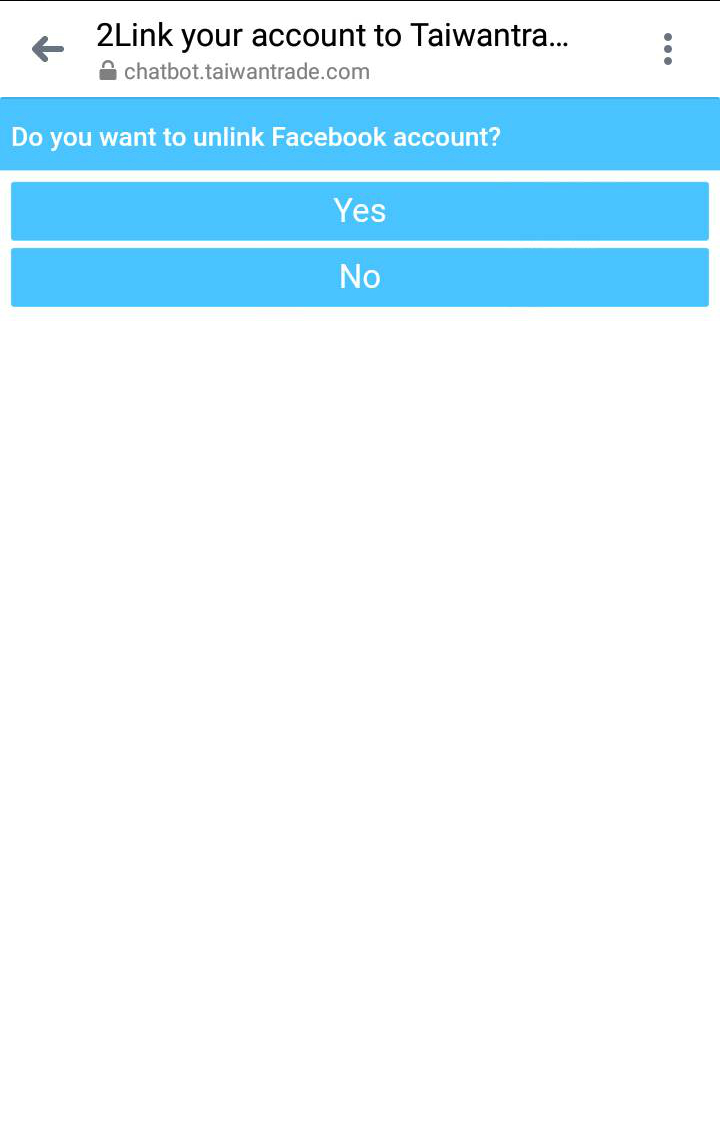
- 3Choose YES to unlink your Taiwantrade.com account.

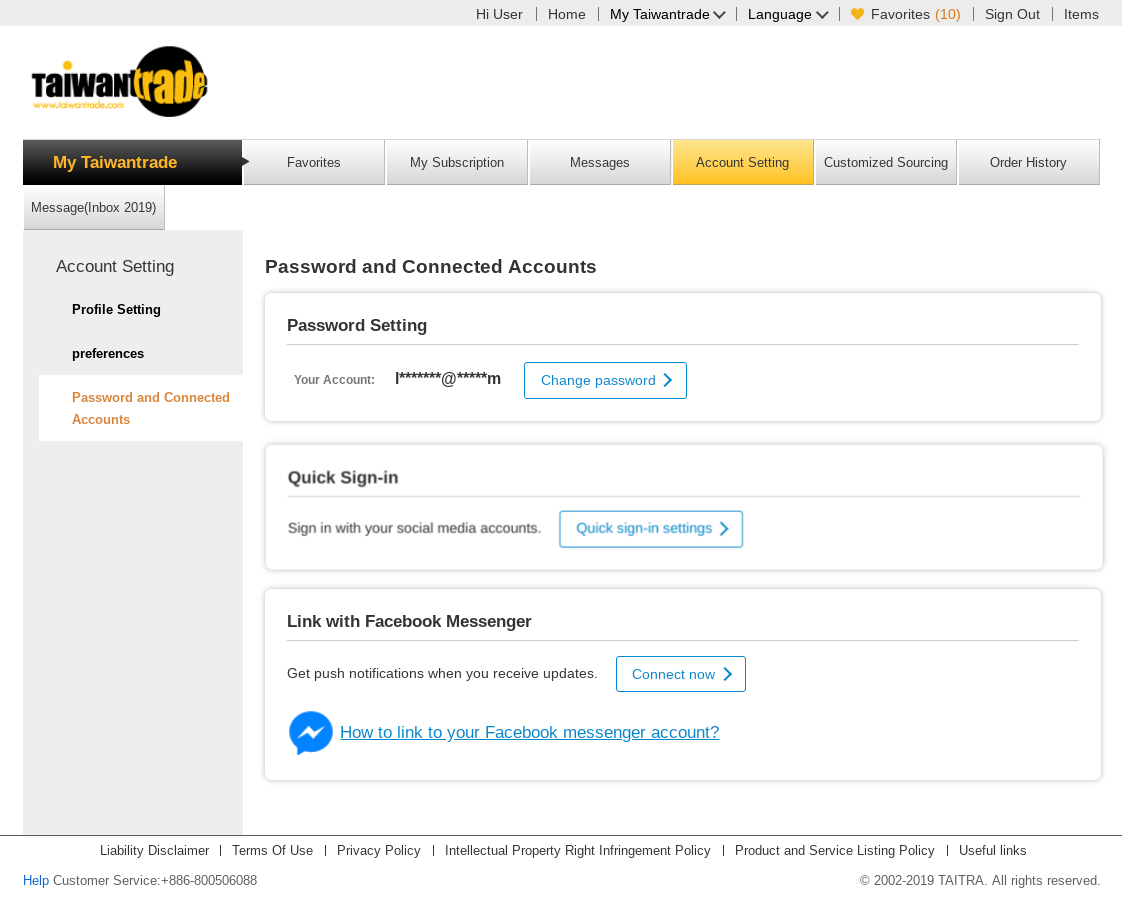
- 4Sign in to the Taiwantrade.com (https://bu.taiwantrade.com) and go to Account Setting > Password and connected Accounts . The status may take a few moments to update, so please check back later.